


 Version:
 Updated:
 Creator:
 Mod:
Mod: Requirements:
 Filesize:
 Google Play:

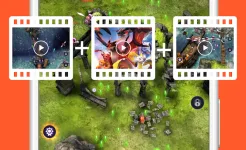

Moments worth saving become immediate content as users start recording directly from the display with only a few taps. Smooth capture of apps, games, and interface actions allows spontaneous creation of guides, reactions, or walkthrough videos. Internal tools such as pause, resume, and quick controls keep the process uninterrupted while recording is active.
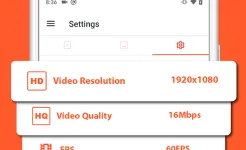
Practical scenarios expand when the app is used for remote assistance, educational explanations, or documenting technical issues step by step. Facecam overlays, audio input options, and annotation features help transform a simple capture into a more complete presentation. Video settings can be adjusted for resolution, frame rate, and quality depending on device capability.
A surprising advantage appears in how naturally the app fits both casual and professional tasks, from saving short clips to producing polished demonstrations. Navigation remains clear, allowing users to focus on content instead of technical menus. Export and sharing options make finished recordings easy to store, edit, or publish across platforms.